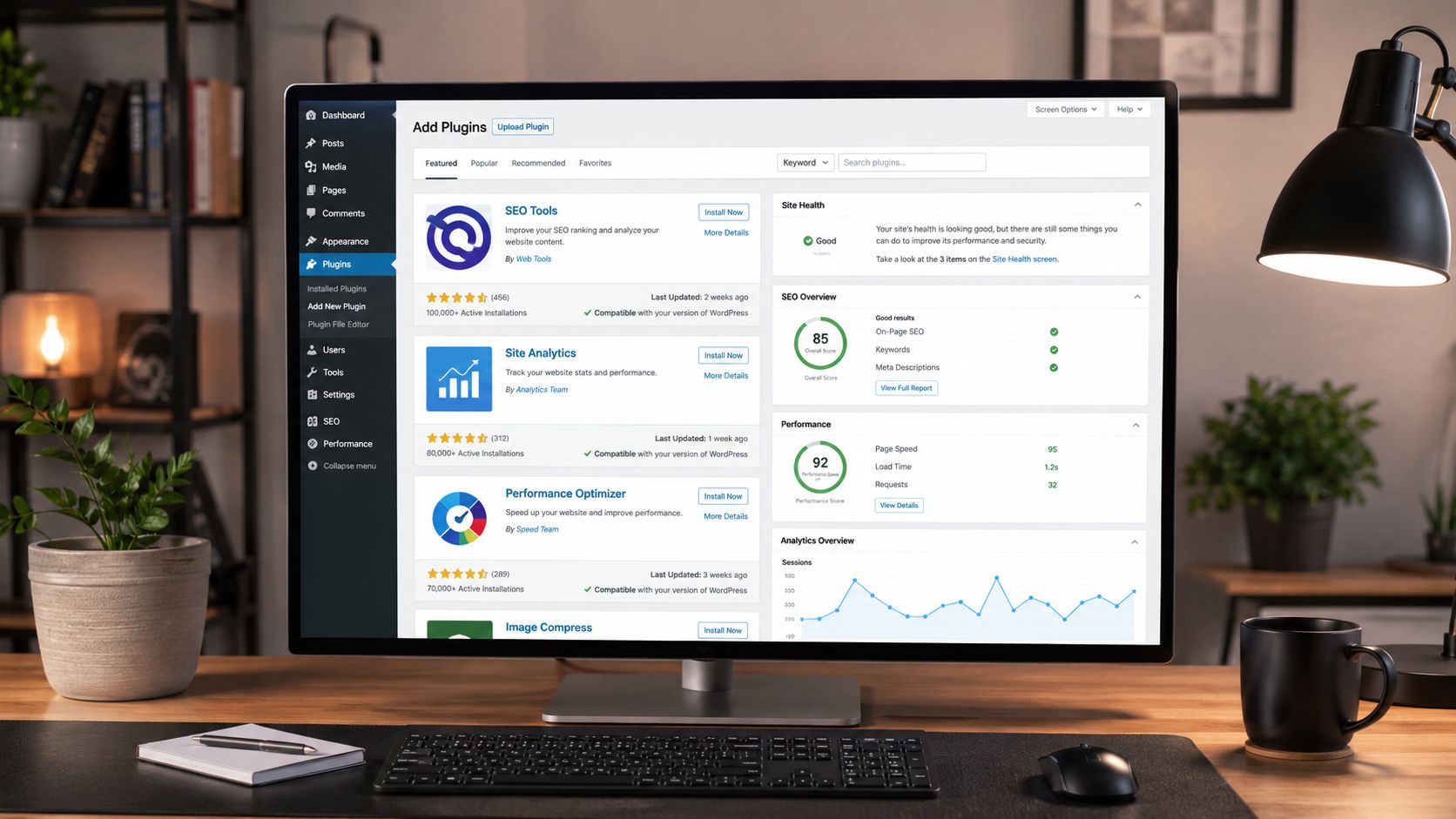
Launching a WordPress website for the first time is exciting, but it can also feel overwhelming once you discover the massive world of plugins. Thousands of tools promise faster performance, stronger security, better SEO, easier backups, and more professional designs. For beginners, the challenge is not finding plugins — it is knowing which ones actually matter. The right plugins can transform a simple WordPress installation into a fast, secure, user-friendly website capable of ranking in search engines and creating a smooth experience for visitors. The wrong plugins, however, can slow down your website, create conflicts, and make managing your site frustrating. That is why choosing a small collection of high-quality essential plugins is one of the smartest decisions a beginner can make.
A: Start with only the essentials, usually around five to ten reliable plugins depending on your site.
A: Yes, many free plugins are excellent, especially for SEO, forms, backups, spam protection, and basic security.
A: Yes, especially if they add heavy scripts, duplicate features, or run unnecessary background processes.
A: No, choose one SEO plugin to avoid duplicate metadata, sitemap, and schema settings.
A: A backup plugin is one of the smartest first installs because it protects your site before major changes.
A: No, plugins help, but fast and secure hosting still plays a major role in site performance.
A: Check updates regularly, but create a backup before updating important plugins or major site tools.
A: Deactivate the plugin, restore a backup if needed, and check for conflicts with your theme or other plugins.
A: Yes, they can make design easier, but beginners should avoid overloading pages with unnecessary widgets.
A: Frequent updates, strong reviews, clear documentation, active support, and compatibility with your WordPress version.
Building a Faster Website With Performance Plugins
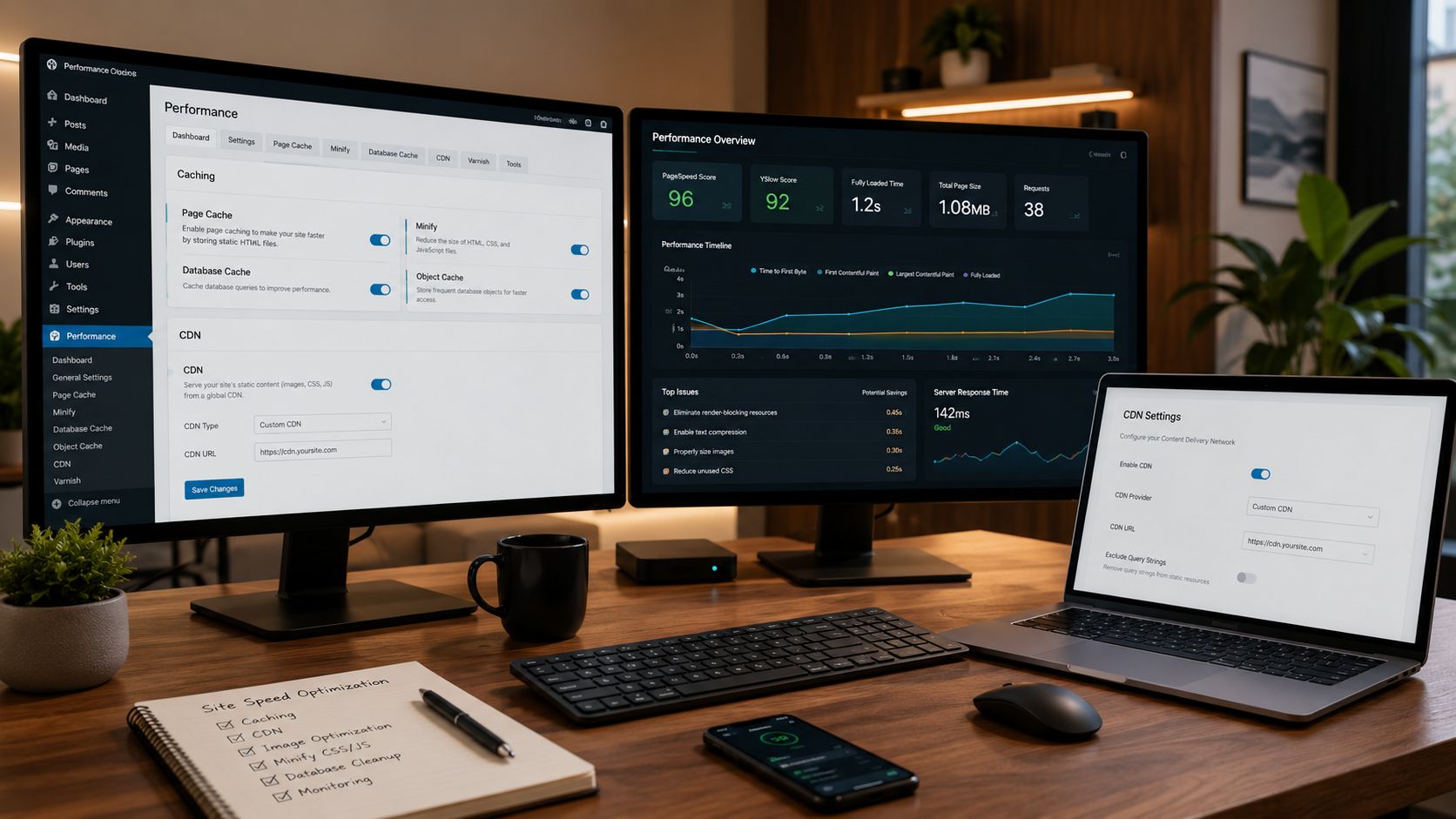
Website speed is one of the most important factors in modern web design. Visitors expect pages to load quickly, and search engines reward fast websites with better rankings. Beginners often install dozens of unnecessary plugins, upload oversized images, or ignore caching systems, which can lead to painfully slow performance.
Caching plugins are among the most valuable tools for improving speed. Plugins like WP Rocket, LiteSpeed Cache, and W3 Total Cache help reduce loading times by storing optimized versions of your pages. Instead of rebuilding every page from scratch for every visitor, the plugin delivers a pre-generated version, dramatically improving speed and reducing server strain.
Image optimization plugins are equally important because images are often the heaviest elements on a webpage. Tools like Smush or ShortPixel automatically compress images while maintaining visual quality. This creates a smoother browsing experience without sacrificing design quality.
Database optimization plugins can also improve long-term performance. Over time, WordPress databases collect unnecessary revisions, spam comments, and temporary data. Plugins like WP-Optimize help clean up your database and keep your website running efficiently.
Many beginners underestimate how important performance is until their site becomes sluggish. Fast websites not only improve SEO rankings but also increase user engagement, reduce bounce rates, and create a more professional experience overall.
Protecting Your Website With Powerful Security Tools
Security is often ignored by beginners because they assume small websites are not targets for hackers. In reality, automated bots constantly scan WordPress websites looking for vulnerabilities, outdated plugins, and weak passwords. Installing a reliable security plugin early can prevent serious problems later.
Plugins like Wordfence Security and Sucuri Security provide multiple layers of protection. These tools monitor suspicious activity, block malicious login attempts, scan for malware, and alert site owners about potential threats. Some even include firewalls that stop attacks before they reach your website.
Login protection is another critical area for beginners. Brute force attacks occur when bots repeatedly attempt to guess passwords. Security plugins help limit login attempts and add additional verification systems to protect administrator accounts.
SSL and HTTPS security also play an important role in building trust with visitors. While many hosting providers now offer free SSL certificates, security plugins help ensure your site remains properly configured and secure.
Backups and security work together closely because even protected websites can occasionally experience issues. Beginners who fail to prepare for disasters often lose valuable content, rankings, and customer trust. Having strong security systems in place creates peace of mind while allowing website owners to focus on growing their site rather than constantly worrying about threats.
Unlocking Search Engine Traffic With SEO Plugins
Search engine optimization is one of the biggest reasons people use WordPress. Without SEO, even beautifully designed websites may struggle to attract visitors. SEO plugins simplify many technical tasks that beginners would otherwise find confusing.
Yoast SEO has long been one of the most popular WordPress plugins because it guides users through optimization while explaining SEO concepts in beginner-friendly ways. Rank Math has also become a favorite because of its advanced features, clean interface, and powerful automation tools.
These plugins help optimize title tags, meta descriptions, XML sitemaps, schema markup, and keyword targeting. They also provide readability analysis and recommendations for improving content structure.
SEO plugins make it easier for search engines to understand your website. Proper indexing, metadata management, and structured content all contribute to stronger visibility in Google search results. For beginners trying to grow traffic, this foundation is essential.
Internal linking tools offered by some SEO plugins also improve navigation and help distribute authority throughout a website. This becomes especially useful as websites expand into dozens or even hundreds of articles.
Another important feature is schema markup. SEO plugins can automatically generate structured data for articles, products, reviews, FAQs, and other content types. This increases the likelihood of earning rich search results that stand out visually in Google.
Learning SEO takes time, but plugins simplify many of the technical details so beginners can focus on writing valuable content while still building a search-friendly website.
Creating Safety Nets With Backup Plugins
One of the most devastating experiences for a beginner is losing an entire website due to server problems, hacking incidents, plugin conflicts, or accidental deletions. A reliable backup plugin acts like insurance for your website, allowing you to restore your site quickly if something goes wrong.
UpdraftPlus is one of the most beginner-friendly backup plugins available. It allows users to create automatic backups and store them remotely using services like Google Drive, Dropbox, or Amazon S3. This ensures backup files remain safe even if the hosting server fails.
BackupBuddy and Jetpack Backup also provide excellent solutions for automatic website recovery and migration. These tools simplify restoration processes that might otherwise require advanced technical knowledge.
Automated scheduling is one of the biggest advantages of modern backup plugins. Instead of manually saving files every week, the plugin handles everything automatically in the background. This consistency dramatically reduces the risk of losing valuable website data.
Many beginners delay installing backup systems because they believe nothing will happen to their site. Unfortunately, unexpected issues are extremely common in the online world. Plugin updates occasionally break layouts, hosting errors occur unexpectedly, and hackers can compromise vulnerable websites.
Having a recent backup allows site owners to restore operations within minutes instead of rebuilding an entire website from scratch. This simple precaution can save enormous amounts of time, stress, and money.
Designing Professional Pages Without Coding
One of WordPress’s biggest advantages is the ability to create stunning websites without advanced coding knowledge. Page builder plugins have made professional design accessible to beginners who want complete creative control over their websites.
Elementor remains one of the most popular page builders because of its intuitive drag-and-drop interface. Beginners can visually build pages in real time while customizing layouts, fonts, spacing, animations, and mobile responsiveness.
Beaver Builder and Bricks Builder are also respected tools that provide flexibility while maintaining clean performance. These builders help users create landing pages, homepage layouts, sales pages, and custom designs without hiring developers.
Many beginners struggle with WordPress themes because they feel restricted by default layouts. Page builders solve this problem by allowing nearly unlimited customization. Users can create modern websites that look polished and professional even with little technical experience.
Responsive design is another major advantage. Most modern page builders automatically optimize layouts for tablets and mobile devices, ensuring websites look great across different screen sizes.
Templates further simplify the design process. Many builders include professionally designed starter layouts that can be customized quickly. This dramatically reduces the learning curve for beginners while helping them create visually appealing websites faster.
The key is balance. While page builders are powerful, beginners should avoid overloading pages with unnecessary animations or excessive design elements that could hurt performance.
Connecting With Visitors Through Forms and Engagement Tools
Every successful website needs a way for visitors to communicate. Contact form plugins are essential because they allow users to send messages without exposing email addresses publicly online.
WPForms is widely considered one of the best beginner-friendly form plugins because of its drag-and-drop simplicity. Contact Form 7 remains popular among more experienced users who prefer lightweight functionality.
Forms can be used for far more than contact pages. Beginners can create newsletter signups, quote request forms, appointment bookings, surveys, feedback forms, and lead generation pages.
Spam protection is another major benefit. Without proper forms and anti-spam systems, websites often become flooded with automated junk messages. Many form plugins integrate with CAPTCHA systems and spam filters to reduce unwanted submissions.
Email marketing integrations are also valuable for growing audiences. Form plugins can connect with platforms like Mailchimp, ConvertKit, or ActiveCampaign, helping beginners build subscriber lists from the start.
Engagement plugins extend beyond forms as well. Social sharing plugins encourage visitors to share articles across platforms, increasing visibility and traffic potential. Comment enhancement plugins can improve community interaction and make discussions feel more modern and organized.
Building communication channels early helps transform a simple website into an active online presence where visitors feel connected and engaged.
Understanding Your Audience With Analytics Plugins
One of the biggest mistakes beginners make is building websites without measuring performance. Analytics plugins provide valuable insight into visitor behavior, traffic sources, popular pages, and audience demographics.
Google Site Kit is an excellent starting point because it connects WordPress directly with Google Analytics, Google Search Console, and PageSpeed Insights. This creates a centralized dashboard where beginners can monitor important website metrics without leaving WordPress.
MonsterInsights is another popular plugin that simplifies analytics reporting and makes data easier for non-technical users to understand.
Understanding analytics helps website owners make smarter decisions. By analyzing which pages attract the most traffic, beginners can identify successful content strategies and create more articles around similar topics.
Analytics also reveal how visitors find your website. Search traffic, social media referrals, and direct visitors each provide clues about what marketing strategies are working effectively.
Bounce rates, session durations, and conversion tracking help identify areas needing improvement. If visitors leave quickly, site speed or content quality may need attention. If certain pages perform exceptionally well, they can serve as models for future growth.
Beginners who regularly study analytics develop a stronger understanding of user behavior and website performance. This data-driven approach creates a major advantage over competitors who rely purely on guesswork.
Turning a Simple Website Into a Powerful Online Brand
WordPress plugins are more than optional add-ons — they are tools that shape how your website performs, grows, and competes online. The best beginners understand that success comes from building strong foundations rather than installing every plugin available. A carefully selected combination of security, SEO, performance, backup, design, engagement, and analytics plugins can dramatically improve both the user experience and long-term growth potential of a website. These tools work together to create faster loading times, stronger search visibility, safer infrastructure, and more professional functionality. The most successful WordPress websites are not always the most complicated. In many cases, they are the most optimized, organized, and user-focused. Beginners who learn to prioritize quality over quantity often achieve better results while avoiding the technical headaches that come from plugin overload. As your website grows, your plugin needs may evolve, but these foundational tools remain valuable at every stage. They provide the systems that support content creation, audience growth, and online credibility. Starting with the right plugins allows beginners to build smarter from day one. Instead of struggling with technical limitations or preventable mistakes, website owners can focus on creating valuable content, improving their brand, and growing their online presence with confidence.